
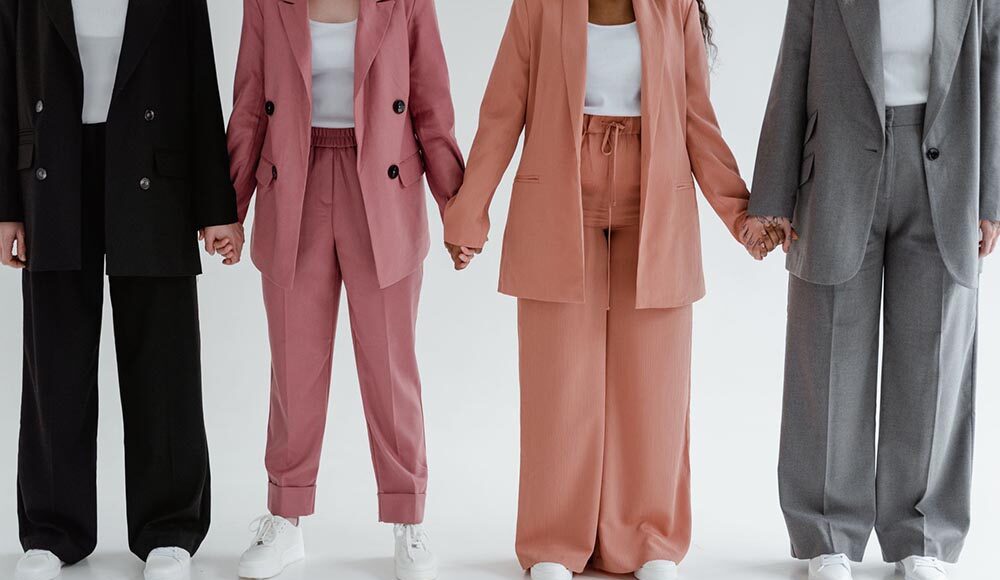
Face and outfit consistency in Seedance 2.5 is decided before the prompt asks anyone to walk.
The model needs to know which reference defines the person, which images define the clothes, and which clip defines camera movement. When those jobs are mixed together, a polished frame can still contain a different jawline, shifted print, missing closure, or camera move that hides the garment.
A useful prompt therefore reads like a compact shot brief. It names the approved references, states what cannot change, gives each moment one physical action, and leaves enough visual evidence for a fashion editor to review.
Divide References Into Identity, Wardrobe, and Camera Groups
Start with three reference groups instead of one crowded mood board. The identity group should show the same approved person under neutral conditions. Favor useful angles over dramatic portraits with conflicting makeup, hair, light, or lens distortion.
The wardrobe group has a different job. Use a full-look front view, a back or side view when construction depends on it, and close details for material, print, fastening, embroidery, jewelry, or footwear. Conflicting styling, such as a belt appearing in only one reference, creates ambiguity.
Reserve video references for motion or camera direction. A runway clip might define pace and screen direction, while a turntable clip defines how the camera moves around a stationary model. Do not ask one reference video to supply identity, garment construction, lighting, set design, movement, and editing rhythm unless all of those elements are meant to be copied.
Use only material covered by the relevant image, garment, and likeness permissions. A technically strong reference is still unusable when the team does not have authority or consent for synthetic alteration.
Write the Face-and-Outfit Lock Before the Shot Description
The first block of the prompt should establish invariants. These are details that remain fixed even while the person, fabric, and camera move. Put them before atmosphere and action so they are not buried beneath decorative language.
A working block can look like this:
IDENTITY REFERENCE
Use Image 1 for the same person throughout the shot.
Preserve facial proportions, hairline, eyebrow shape, eye spacing,
nose profile, lip shape, jawline, skin tone, hairstyle, and makeup.
WARDROBE REFERENCE
Use Images 2 and 3 for the complete approved look.
Preserve silhouette, fabric, color, print scale, seam placement,
neckline, sleeve length, closures, jewelry, shoes, and styling.
CAMERA REFERENCE
Use Video 1 only for camera pace and left-to-right tracking.
Do not copy the person, clothing, or location from Video 1.
Replace this list with details that can actually be inspected in the references. “Keep her beautiful” gives no review standard. “Keep the center hair part, straight brow, narrow winged liner, and low bun unchanged” does.
The lock is a direction, not a guarantee. It reduces ambiguity and makes errors easier to identify, but every result still needs a frame-by-frame comparison with the approved material.
Describe the Face With Stable, Visible Features
Identity prompts work better when they describe structure and styling separately. Structural details include facial proportions, eye spacing, nose profile, lip shape, jawline, and the relationship between forehead, cheek, and chin. Styling includes hair, makeup, brows, lashes, facial hair, and any accessory that touches the face.
Keep the requested performance restrained. A prompt that asks for a neutral expression, one blink, and a small turn gives the model fewer opportunities to redesign the face than “dramatic, fierce, expressive runway energy.” If expression is important, name the physical change: the eyes remain relaxed, lips closed, chin level, and gaze stays just past the camera.
Describe the Garment as a Constructed Object
An outfit is not a color plus a mood. The prompt should preserve how the garment is built. Name the silhouette, shoulder, waist, hem, sleeve, neckline, fastening, panel lines, print scale, trim, and the points where fabric attaches or separates.
Material descriptions should connect to movement. Instead of “luxurious flowing dress,” write that the fitted bodice remains close to the torso while the pleated skirt opens during the turn and settles from the waistband without changing length. For a tailored coat, specify that the lapels, buttons, pockets, cuffs, and back vent remain fixed while the lower hem responds to the walk.
Accessories deserve their own lock. Name the side, placement, material, and scale of every item that matters to the look; remove anything that is not essential to the shot.
Logos, campaign type, and small garment text should usually remain outside the generated picture. Leave room in the framing and add approved brand assets later, where letterforms and placement can be checked directly.
Give the Camera One Clear Job in Each Time Range
Camera direction competes with identity and wardrobe instructions when it changes too often. Use time ranges and assign one primary movement to each. Keep screen direction explicit so the model does not reverse the walk between beats.
For example:
0-4s: Medium-full front view. The model holds position, shoulders level,
hands relaxed. Camera remains still.
4-8s: The model takes two measured steps from left to right.
Camera tracks laterally at the same distance and height. No orbit or zoom.
8-12s: The model stops and turns to a three-quarter profile.
Camera eases to a stop. Hold the final pose for inspection.
This structure prevents an orbit, zoom, handheld move, rapid cut, and full-body walk from competing at once. Plan a back detail as a separate beat rather than relying on a fast spin.
A browser workflow for seedance 2.5 can be used to organize the references and prompt, but the accepted result should still be reviewed against the original face and look sheets. The interface does not replace that editorial comparison.
Use Negative Constraints That a Reviewer Can See
“No distortion” is too broad. Negative constraints should name observable failures that would cause rejection. For a face-and-outfit shot, useful constraints may include:
- no change to facial proportions, eye color, hair part, makeup, or skin tone;
- no replacement of the model during cuts, turns, or partial occlusion;
- no change to garment length, print scale, closures, trim, or accessory side;
- no added layers, jewelry, bags, logos, text, or background people;
- no camera reversal, unrequested cut, sudden lens shift, or crop below the shoes;
- no extra fingers, fused hands, or fabric passing through the body.
Do not attach every possible failure to every prompt. Use the constraints that match the approved look and intended motion. A focused rejection list is easier to review and revise.
Revise One Consistency Problem at a Time
Review without music first. Pause at the opening frame, every occlusion, the midpoint of a turn, and the final pose. Check face, styling, garment construction, accessories, hands, and camera direction separately.
Write corrections by timestamp and reference: “At 00:07, restore the left earring from Image 3 and keep the jawline from Image 1.” Avoid rewriting the whole prompt after a local error; it may disturb details that already passed.
An automated fashion workflow can send supported media jobs through reAPI, an API service that aggregates several image and video models. The two media types have separate submission endpoints; after either accepts a job, the integration retains its task ID and checks that task until completion. Store the ID beside the prompt revision and reference manifest. The service is independent of ClipDance and did not develop Seedance 2.5.
Common Seedance 2.5 Prompt Questions
Do more reference images always improve consistency?
No. Add a reference only when it has one clear job and agrees with the approved identity or look. Contradictory angles, styling, or lighting can introduce more ambiguity.
Will using the same seed lock the same face?
No. A seed can help with nearby variations in some workflows, but it is not an identity guarantee. Preserve the accepted references, invariant block, opening frame, and review process.
Should hair or makeup changes happen inside one shot?
Only when the transformation itself is the assignment and both states are fully referenced. For normal fashion coverage, split changed styling into another shot so each version has a clear identity and wardrobe lock.
Approve the Lock Frame Before Extending the Fashion Shot
Choose an opening frame in which the face, hair, makeup, full silhouette, closures, accessories, and footwear all pass review. Save that frame with the exact prompt revision, identity references, wardrobe references, camera reference, and the name of the person who approved it.
Do not extend the sequence while the lock frame contains a compromise. Correct the source prompt, generate a new opening, and compare it at full size. Once that single frame passes, run the planned motion beat and record any correction by timestamp before approving the next section.